ORGANA OBSCURA AGENCY
Products / Tools for Eclipse Capella
Tools for Eclipse Capella
This page holds the tools we build for Eclipse Capella and the Arcadia method — day-1 project setup, layer guides, and architecture workbooks.
Jump to: Operational Analysis Day-1 Project · Arcadia Layer Pocket Guide
Operational Analysis Day-1 Project (for Eclipse Capella)
$18
Scope one Operational Analysis increment, fill the worksheets, then build that same increment in Eclipse Capella 7.1 — a complete, reviewable OA, not an early jump to System Analysis.
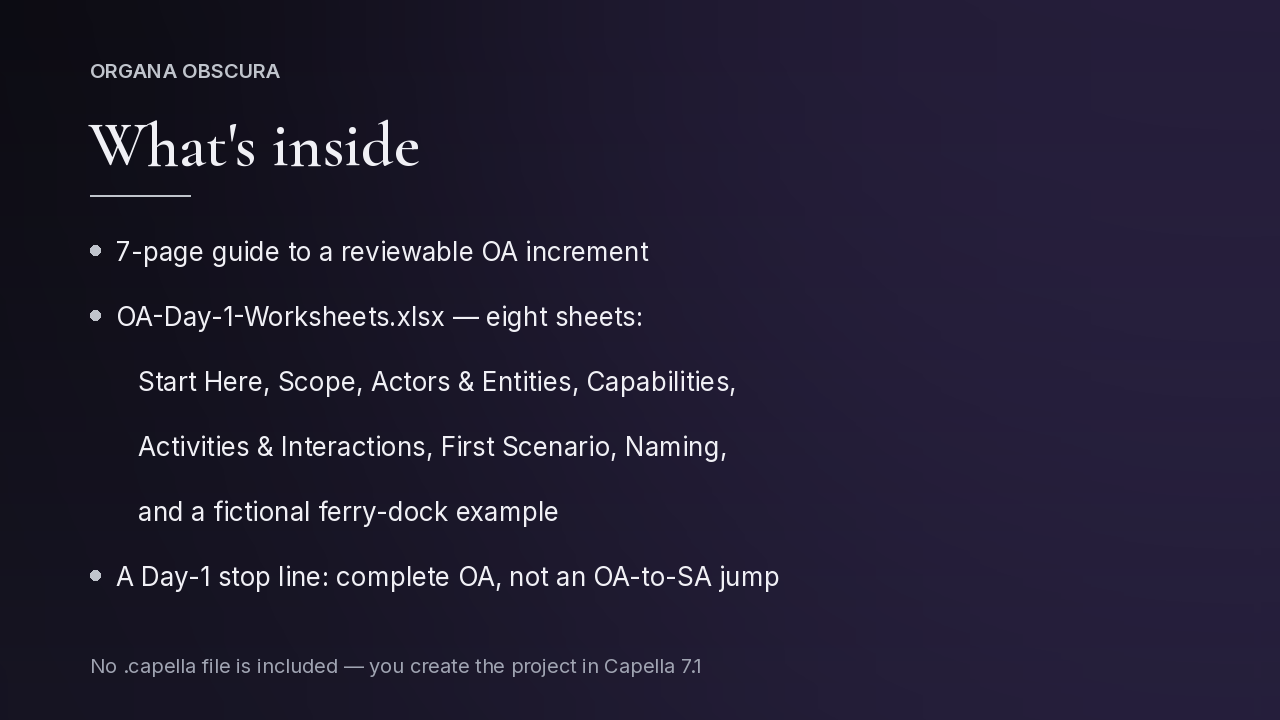
- Guide (PDF, 7 pages): OA vocabulary, the Day-1 increment, the stop line, and how to enter the same content in Capella 7.1 after the worksheets are decided
- Workbook (.xlsx, 8 sheets): Start Here, Scope, Actors & Entities, Capabilities, Activities & Interactions, First Scenario, Naming, and a fictional Northshore Ferry Dock example
For: systems engineers, architects, and model leads working in Eclipse Capella who want a first, reviewable Operational Analysis increment.
No .capella project file is included; you build the project in Capella 7.1. Pairs with the Arcadia Layer Pocket Guide — they are not the same product, and neither includes the other. Version 1.0.
Arcadia Layer Pocket Guide (for Eclipse Capella)
$14
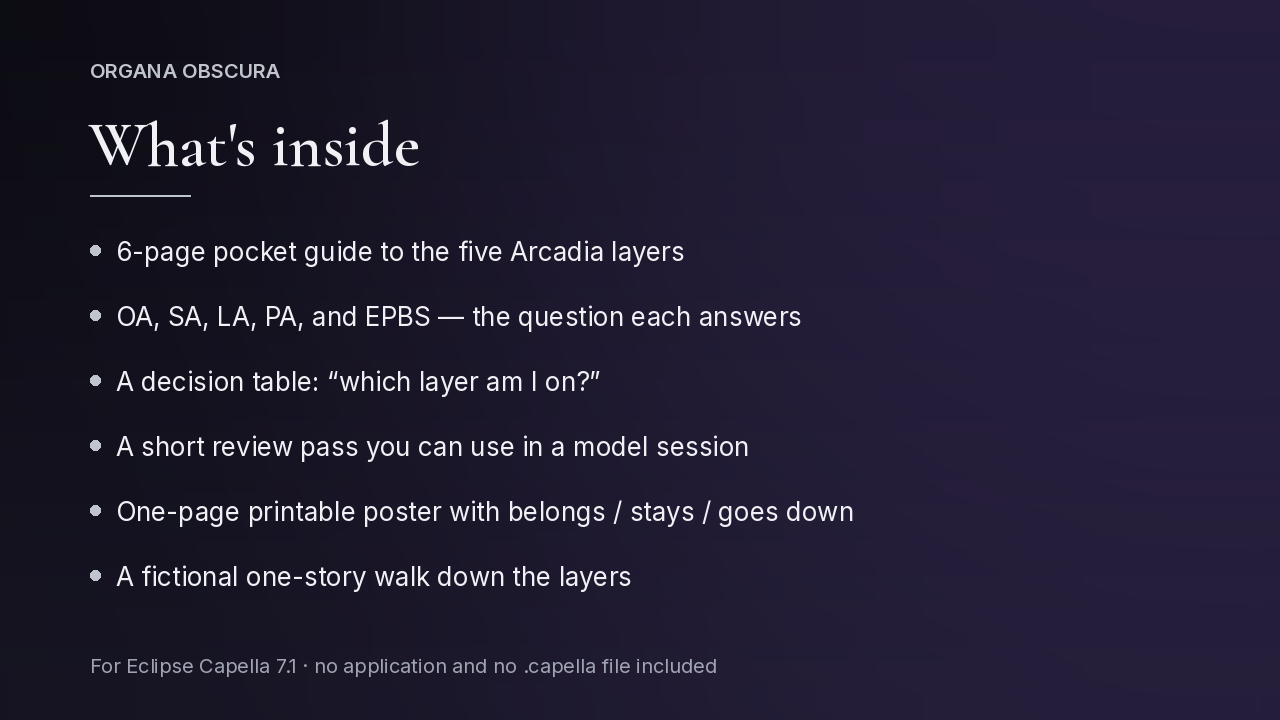
A pocket guide and a one-page poster for deciding which Arcadia layer an element belongs on — OA, SA, LA, PA, or EPBS — and what should transition down versus stay.
- Pocket guide (PDF, 6 pages): the five layers, a decision table, a short review pass, and a fictional one-story walk down the layers
- One-page printable poster: the question each layer answers, what belongs, and the goes-down / stays line
For: anyone who models in Eclipse Capella, reviews Capella models, or is learning the Arcadia layers and needs a short reference at the desk or in a review. Written for Capella 7.1.
No application and no .capella file are included. Pairs with Operational Analysis Day-1 Project — they are not the same product. Version 1.0.
Capella is a trademark of Eclipse Foundation AISBL.
Questions about a download? Reply to your Gumroad receipt email, or use the contact page.

